
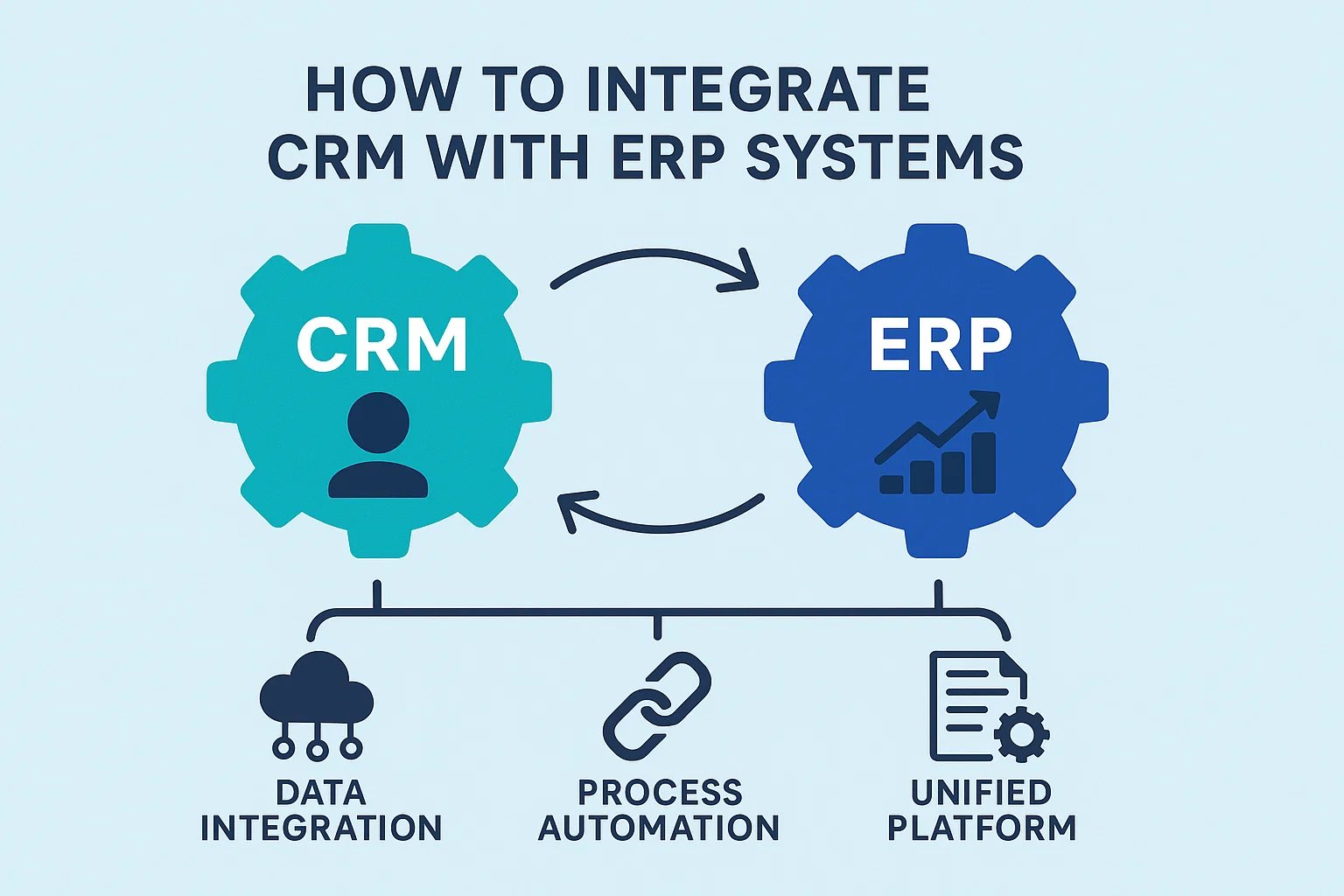
In modern enterprises, integrating Customer Relationship Management (CRM) and Enterprise Resource Planning (ERP) systems is essential for achieving seamless operations, accurate data flow, and enhanced customer satisfaction. By combining CRM and ERP, businesses can synchronize sales, marketing, finance, and operational processes into a unified system.
Why Integrate CRM with ERP?
- Unified Customer Data: Synchronize customer records between sales and operational departments.
- Streamlined Operations: Automate workflows across sales, inventory, finance, and support.
- Improved Forecasting: Real-time access to sales and financial data improves forecasting accuracy.
- Better Decision Making: Managers can access holistic insights from a single dashboard.
- Enhanced Customer Experience: Faster response times, better service, and personalized interactions.
Key Benefits of CRM + ERP Integration
- Eliminates Data Silos: Ensures all departments work with the same accurate information.
- Automates Manual Processes: Reduces errors and saves time through automated workflows.
- Increases Sales Efficiency: Sales teams gain visibility into inventory, pricing, and customer history.
- Enhances Reporting: Generate comprehensive reports combining CRM and ERP data.
- Scalable Operations: Supports business growth by aligning processes across departments.
Steps to Integrate CRM with ERP
- Define Integration Goals: Identify objectives such as improved data accuracy or faster order fulfillment.
- Map Data Flow: Determine which data points need synchronization—customers, orders, invoices, inventory, and support tickets.
- Choose Integration Method: API-based integration, middleware platforms, or custom development.
- Test the Integration: Ensure data accuracy and workflow automation function correctly.
- Train Employees: Educate teams on new workflows and system usage.
- Monitor & Optimize: Continuously track performance and refine integration processes.
Top Tools for CRM + ERP Integration
| Integration Tool | Features | Pricing | Best For |
|---|---|---|---|
| MuleSoft Anypoint | API management, real-time integration, advanced data mapping | Custom pricing | Enterprises needing complex ERP and CRM integration |
| Zapier | Workflow automation, pre-built connectors, easy setup | Free limited plan; paid from $20/month | Small to medium businesses seeking quick automation |
| Make (Integromat) | Visual automation, custom scenarios, multi-step workflows | Free limited plan; paid from $9/month | SMBs needing flexible integration without coding |
| Microsoft Power Automate | Enterprise automation, integration with Dynamics 365 and ERP systems | From $15/user/month | Organizations using Microsoft ecosystem |
| Custom API Development | Tailored data synchronization and business-specific workflows | Varies by complexity | Businesses with unique integration requirements |
Challenges in CRM + ERP Integration
- Data Inconsistency: Poor mapping can cause duplicate or inaccurate data.
- Complexity: ERP workflows often require expert configuration.
- Cost: Enterprise integrations may involve significant investment.
- User Adoption: Employees may resist new systems without proper training.
- Maintenance: Continuous monitoring is required to maintain synchronization.
Best Practices for Successful Integration
- Start with a pilot project before full deployment.
- Clean and standardize data before integration.
- Involve stakeholders from all departments.
- Document workflows and integration architecture clearly.
- Monitor KPIs like order processing time, sales accuracy, and customer satisfaction.
Conclusion
Integrating CRM with ERP systems is no longer optional for modern businesses aiming to boost efficiency, improve customer experience, and maintain accurate data across departments. With proper planning, the right integration tools, and strong employee training, organizations can streamline operations, reduce manual work, and enable smarter strategic decisions in 2026 and beyond.
FAQs
1. Can all CRMs integrate with ERP systems?
Most modern CRMs support ERP integration through APIs or middleware, though legacy systems may require custom development.
2. How long does integration take?
Simple integrations may take weeks, while enterprise-level implementations can require several months.
3. Is CRM + ERP integration expensive?
Costs vary widely depending on complexity, tools used, and customization requirements.
4. What are the key benefits for sales teams?
Sales teams gain real-time visibility into inventory, pricing, and financial data for faster and more accurate deal management.
5. Can integration improve customer satisfaction?
Yes. Unified data and faster service responses directly enhance customer experience and loyalty.